Which SketchUp is right for you?

Which SketchUp Is Right for You?
SketchUp isn’t a one-size-fits-all tool — it’s a range of solutions built for different stages of your workflow.
Some users just need to sketch ideas.
Others need to produce drawings, work with real-world data, or coordinate across teams.
So the better question isn’t “which one is best?”
It’s which one fits how you work today — and where you’re heading next.
SketchUp Go
Best for: Beginners, mobile users, and quick edits on the go
If you just need to model ideas quickly without heavy setup, SketchUp Go keeps things simple. It runs directly in your browser or on iPad, so you can access your work anytime, anywhere — no installation needed.
It’s ideal for:
- Concept design and basic 3D modelling
- Reviewing or editing models during meetings or on-site
- Users who prefer flexibility over advanced tools
That said, it comes with limitations — no desktop application, no plugins, and less power for handling complex models.
In short: lightweight, flexible, and easy to start — but not built for heavy work.

SketchUp Pro
Best for: Professionals who need full control and detailed outputs
SketchUp Pro is the full desktop experience. It gives you the performance and flexibility needed for serious design work, especially when projects get more detailed.
With Pro, you get:
- Desktop modelling for better performance
- Access to extensions and plugins
- LayOut for 2D drawings and documentation
- Full import/export capabilities
This is where most architects, interior designers, and design professionals sit — especially if they’re producing drawings, presentations, or client-ready outputs regularly.
In short: the everyday workhorse for design professionals.
SketchUp Pro Scan
Best for: Working with real-world site data
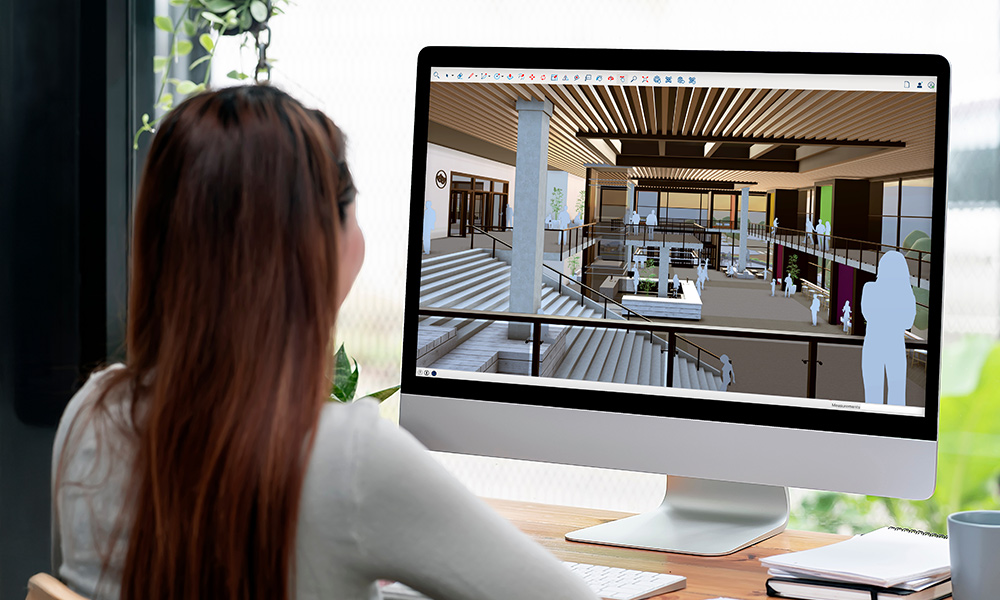
Pro Scan builds on Pro by adding point cloud capabilities — allowing you to model based on actual site conditions.
- Import and work with point cloud data
- Capture accurate as-built environments
- Reduce rework and site visits
In short: when your model needs to reflect reality, not just assumptions.

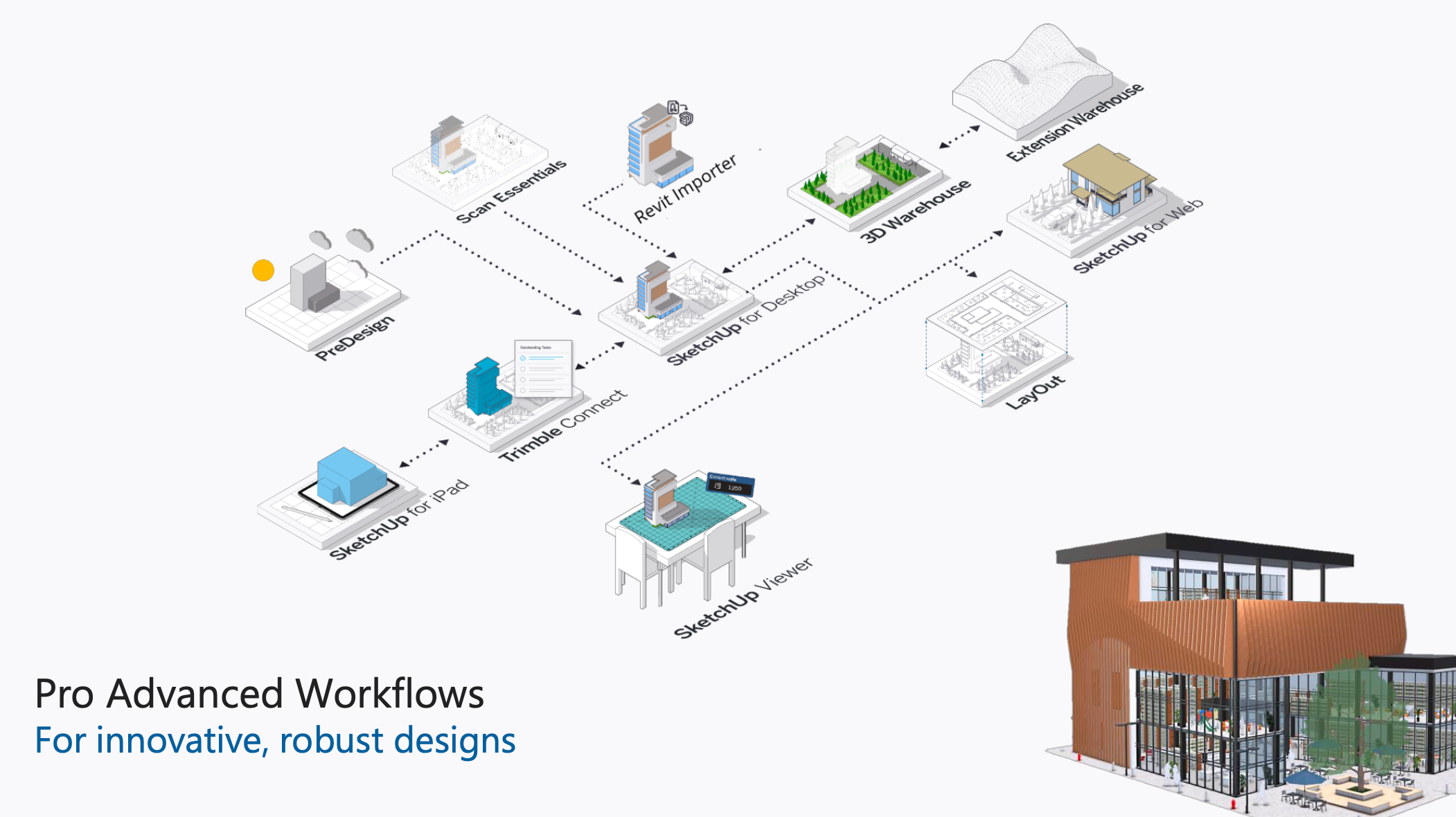
SketchUp Pro Advanced Workflows
Best for: BIM coordination and cross-platform collaboration
This version is designed for more complex project environments where SketchUp needs to connect with other tools and teams.
- Revit model import
- Enhanced point cloud workflows (Scan Essentials)
- Better coordination across platforms
In short: when your workflow extends beyond SketchUp into BIM and team collaboration.
SketchUp Studio
Best for: High-end visualisation and advanced workflows
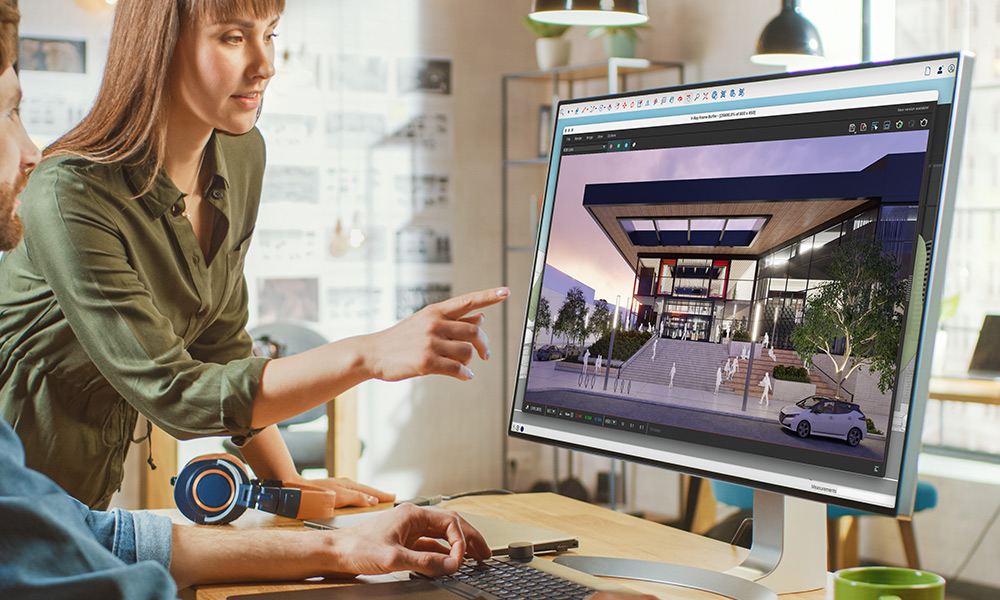
SketchUp Studio is the most complete package — combining modelling, analysis, and photorealistic rendering.
- Includes everything in Pro Advanced Workflows
- V-Ray for photorealistic rendering
- Point cloud and Revit integration
- Advanced tools for complex projects
In short: built for teams handling large-scale projects and high-quality visual output.
Quick Comparison
| Solution | Best For | Key Strength |
|---|---|---|
| Go | Beginners / Flexibility | Web-based modelling |
| Pro | Designers / Documentation | Full desktop workflow |
| Pro Scan | Site-based projects | Scan-to-model accuracy |
| Pro Advanced Workflows | BIM coordination | Cross-platform workflows |
| Studio | Advanced users | Rendering + full workflow |
So… Which One Should You Choose?
- Just need to sketch ideas or work on the go? → Go
- Designing and producing drawings? → Pro
- Working with real-world scan data? → Pro Scan
- Coordinating with BIM or Revit workflows? → Pro Advanced Workflows
- Need everything, including rendering and advanced tools? → Studio
Most people don’t start with the most advanced option.
They move up when their projects demand it.
Not Sure Where to Start?
If you’re still weighing your options, it might help to talk it through based on your actual projects, not just features.
Get in touch with our team to find the right SketchUp solution for your workflow, request a quotation, or explore available promotions.
Or, if you prefer to try it first — book a demo or join one of our training sessions to see how it fits into your day-to-day work.