SketchUp for Architecture
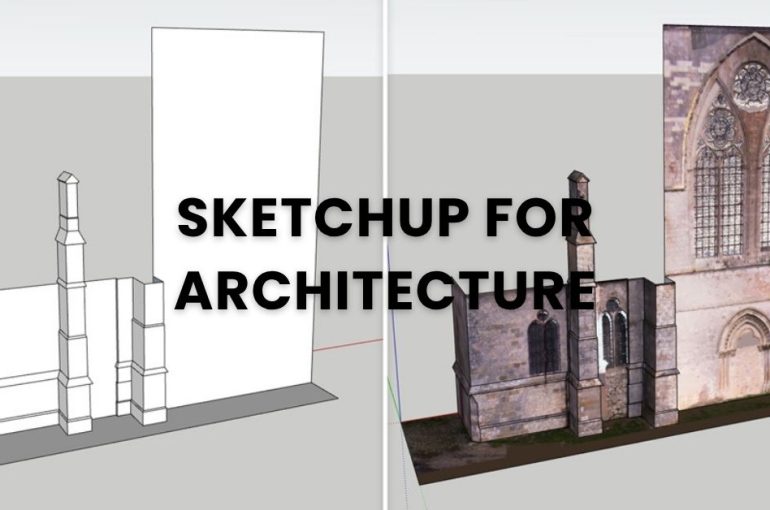
Architecture rarely moves in a straight line.
Ideas evolve, designs shift, and coordination happens across multiple tools and teams.
What most architects need isn’t just a modelling software — it’s a way to move smoothly from concept to documentation, while keeping everything aligned along the way.
That’s where SketchUp fits in.
From Concept to Communication
SketchUp is widely used in architecture because it keeps the early stage simple.
You can quickly build massing models, explore forms, and test ideas without getting slowed down by overly complex tools. It’s intuitive enough to sketch freely, but structured enough to develop those ideas further when needed.
As projects progress, those same models can be refined into presentations and documentation — without starting over.
It becomes less about switching tools, and more about continuing the same conversation.
A Workflow That Adapts
No two architectural projects run exactly the same way.
SketchUp supports that flexibility by working alongside other tools rather than replacing them. Whether you’re exporting drawings, coordinating with consultants, or integrating with BIM workflows, it fits into your existing process.
With the right setup, you can:
- Move from concept models to detailed design
- Produce 2D drawings using LayOut
- Extend functionality with plugins
- Integrate with BIM tools like Revit when needed
It doesn’t force a rigid workflow — it adapts to yours.

Visualization That Speaks Clearly
In architecture, communication matters just as much as design.
SketchUp makes it easier to present ideas in a way clients understand — from quick visuals to more refined, photorealistic renders when needed. This helps bridge the gap between technical drawings and real-world expectations.
Because sometimes, a model explains what drawings can’t.
Built for Real-World Projects
Architectural work doesn’t happen in isolation. Site conditions, existing structures, and coordination with multiple stakeholders all play a role.
With advanced workflows, SketchUp can incorporate point cloud data for accurate as-built modelling, or bring in external models for coordination. This makes it useful not just in early design, but throughout the project lifecycle.
So, Where Does SketchUp Fit?
It usually sits right at the centre:
- Early-stage concept and massing
- Design development and iteration
- Presentation and client communication
- Documentation and coordination support
Not as a replacement for everything —
but as the tool that keeps everything moving.
Looking to Get Started?
Whether you’re exploring SketchUp for the first time or looking to improve your current workflow, the right setup makes a difference.
Get in touch with our team to find the best SketchUp solution for your architectural projects, request a quotation, or explore current promotions.
Or, if you’d rather see it in action first —
join a demo or training session and experience how it fits into your workflow.