SketchUp vs Revit: Which One Should You Use?
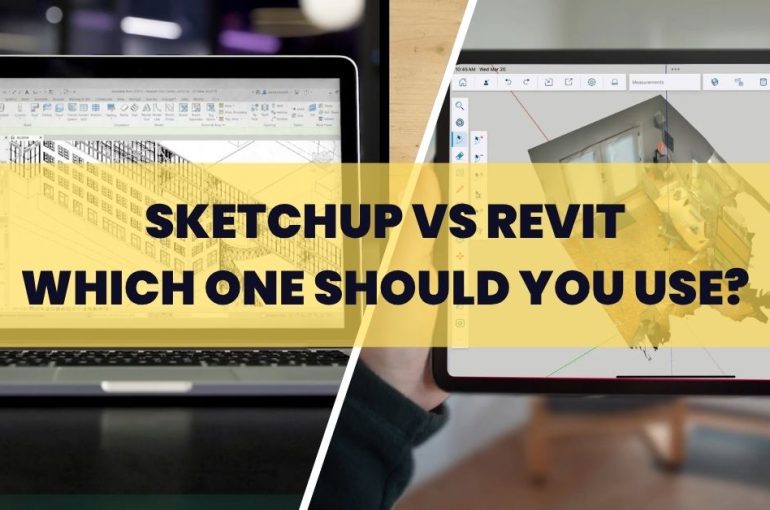
It’s a common question in the design industry:
Should you use SketchUp or Revit?
The honest answer is… they’re built for different purposes.
While both are used in architecture and design, they approach projects in very different ways. Understanding that difference usually makes the decision clearer.
SketchUp: Built for Speed and Flexibility
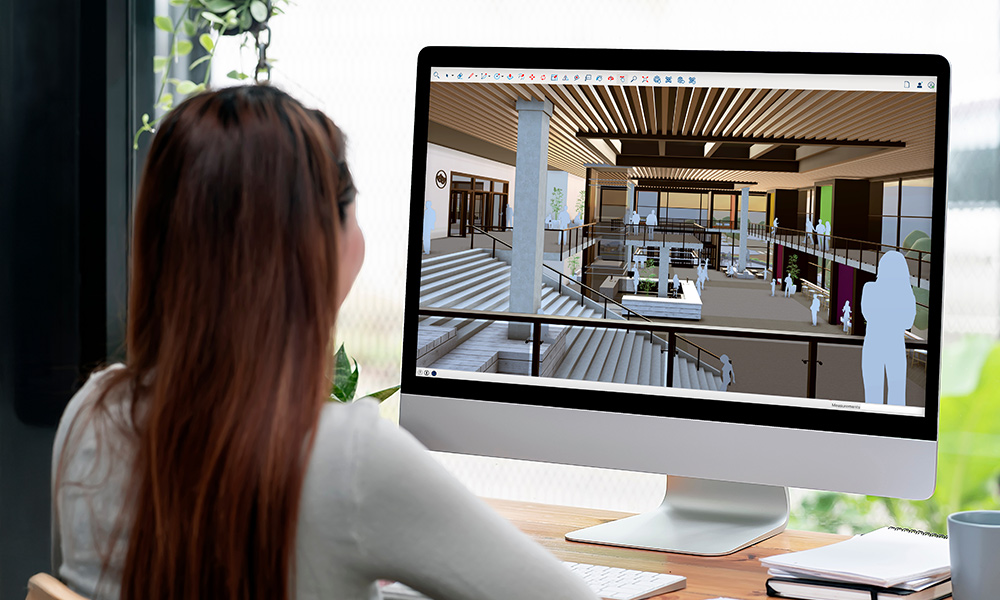
SketchUp is known for its simplicity and speed.
It’s widely used during the early stages of a project — when ideas are still forming and you need to explore quickly without too many constraints.
You can:
- Create 3D models quickly and intuitively
- Test concepts and massing ideas
- Produce visual presentations for clients
- Extend functionality with plugins
It’s especially useful when you want to think through design visually, without getting slowed down by technical structure.
In short: SketchUp helps you move fast and stay creative.
Revit: Built for Structure and Precision
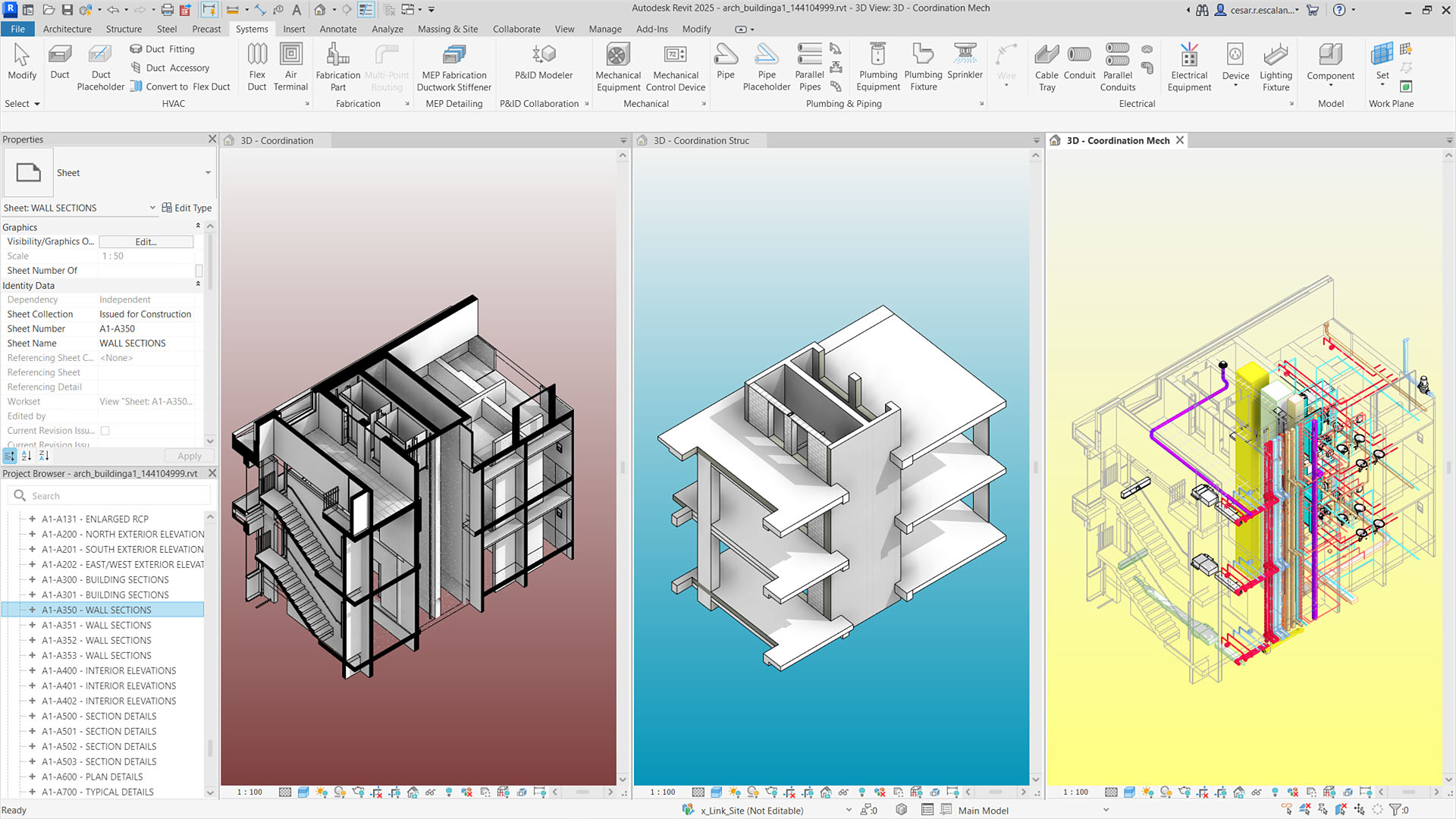
Revit, on the other hand, is designed for Building Information Modelling (BIM).
It focuses on accuracy, data, and coordination — making it ideal for detailed design, documentation, and collaboration across disciplines.
With Revit, you can:
- Create data-rich BIM models
- Generate detailed drawings and schedules
- Coordinate with structural and MEP teams
- Maintain consistency across the entire project
It’s less about quick ideas, and more about building a complete, coordinated system.
In short: Revit helps you manage complexity and deliver precise project information.
Key Differences at a Glance
| Aspect | SketchUp | Revit |
|---|---|---|
| Primary Use | Concept design & visualisation | BIM & detailed documentation |
| Ease of Use | Easy to learn | Steeper learning curve |
| Modelling Style | Flexible, freeform | Structured, data-driven |
| Documentation | Basic to intermediate | Advanced and automated |
| Collaboration | Limited (with extensions) | Strong BIM coordination |
Do You Really Have to Choose?
Not always.
In many projects, SketchUp and Revit are used together, not separately.
A common workflow looks like this:
- Use SketchUp for concept design and early visualisation
- Move into Revit for detailed design, documentation, and coordination
This way, you get the best of both — speed in the beginning, structure in the later stages.
So… Which One Is Right for You?
It depends on what you need right now:
- If you’re focused on design exploration and presentations → SketchUp
- If you’re handling detailed drawings, BIM, and coordination → Revit
- If your projects require both → using them together often makes more sense
Most people don’t switch completely from one to the other.
They adjust based on the stage of the project.
Still Deciding?
If you’re not sure which fits your workflow, it’s worth looking at how your projects actually run — not just what the software can do.
Reach out to our team to discuss your requirements, compare options, or request a quotation.
Or, if you’d like to see the difference in action —
join one of our demos or training sessions to explore both workflows in a real project context.