Forma Design Collaboration
Price range: RM2,800.00 through RM8,400.00
Forma Design Collaboration:
Your teams, workflows, and insights all in one place
What is Forma Design Collaboration?
Forma Design Collaboration is a cloud-based design collaboration software that enables teams to:
-
Organize project data, democratize access, and connect teams
-
Improve project visibility to deliver projects on time
-
Work together on increasingly complex projects
-
Co-author in Revit, Civil 3D, or Plant 3D
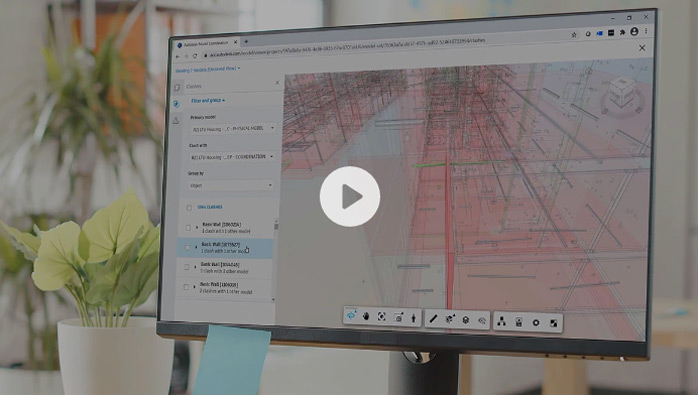
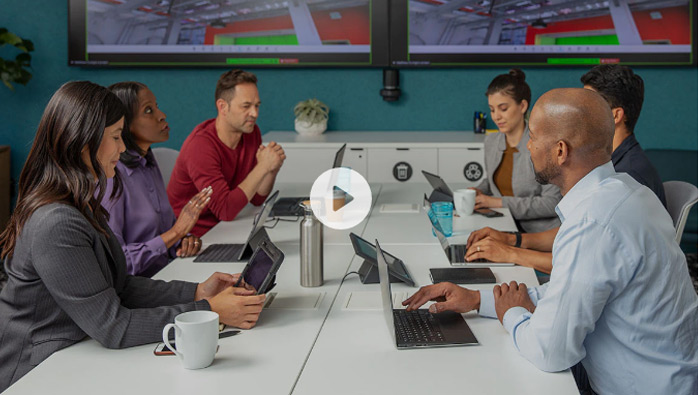
Centralize Civil 3D files in one location
Collaborate anytime, anywhere, with security. Centralize Civil 3D files in one location to keep teams on the same page and visualize design changes to see their impact.
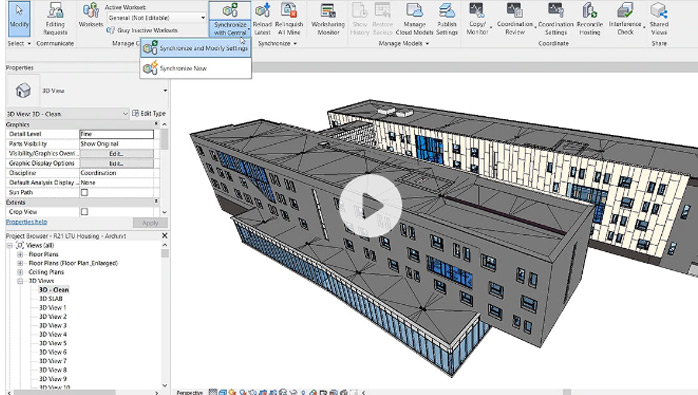
Simplify Revit co-authoring by securely connecting designers
Collaborate in Revit with anyone, anywhere securely in the cloud and visualize an aggregated project model in your browser. Sync changes in real time, publish when ready.
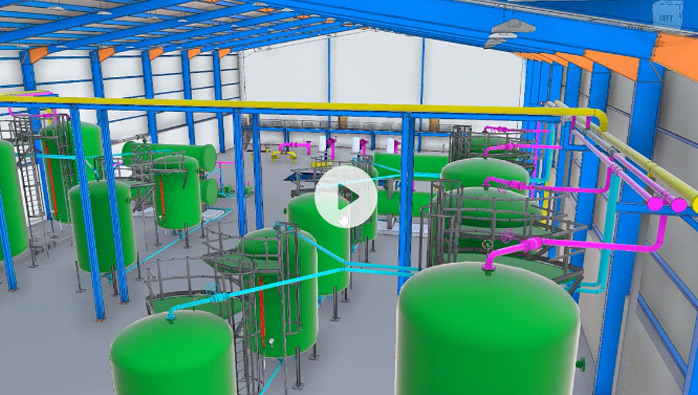
Enable efficient collaboration for AutoCAD Plant 3D users
Ensure teams have access to the right data, optimize review processes, gain insight into project progress, and access model coordination and clash detection tools.
| TERM | 1-year, 3-years |
|---|
Quick Comparison
| Forma Design Collaboration remove | Media & Entertainment Collection remove | Navisworks Manage remove | AutoCAD remove | Revit LT remove | Architecture, Engineering & Construction Collection remove | |||||||||||||
|---|---|---|---|---|---|---|---|---|---|---|---|---|---|---|---|---|---|---|
| Name | Forma Design Collaboration remove | Media & Entertainment Collection remove | Navisworks Manage remove | AutoCAD remove | Revit LT remove | Architecture, Engineering & Construction Collection remove | ||||||||||||
| Image |  |  |  |  |  |  | ||||||||||||
| SKU | BIM Collaborate Pro | Autodesk Media & Entertainment Collection | Autodesk Navisworks Manage | Autodesk AutoCAD | Autodesk Revit-LT | Autodesk AEC Collection | ||||||||||||
| Rating | ||||||||||||||||||
| Price | Price range: RM2,800.00 through RM8,400.00 | Price range: RM8,200.00 through RM24,600.00 | Price range: RM8,050.00 through RM24,150.00 | Price range: RM6,250.00 through RM18,750.00 | Price range: RM2,100.00 through RM6,300.00 | Price range: RM10,300.00 through RM31,000.00 | ||||||||||||
| Stock | ||||||||||||||||||
| Availability | ||||||||||||||||||
| Add to cart |
Select options
This product has multiple variants. The options may be chosen on the product page
|
Select options
This product has multiple variants. The options may be chosen on the product page
|
Select options
This product has multiple variants. The options may be chosen on the product page
|
Select options
This product has multiple variants. The options may be chosen on the product page
|
Select options
This product has multiple variants. The options may be chosen on the product page
|
Select options
This product has multiple variants. The options may be chosen on the product page
| ||||||||||||
| Description | Set of DCC tools required to build a powerful and scalable 3D animation pipeline for complex simulations, effects, and rendering.
| 2D and 3D CAD drafting software with extensive cloud collaboration tools.
| 3D modeling tools for design changemakers.
| Set of BIM and CAD tools inclusive of a cloud-based common data environment that support projects from design phase to construction.
| ||||||||||||||
| Content | Forma Design Collaboration:Your teams, workflows, and insights all in one placeWhat is Forma Design Collaboration?Forma Design Collaboration is a cloud-based design collaboration software that enables teams to:
Centralize Civil 3D files in one locationCollaborate anytime, anywhere, with security. Centralize Civil 3D files in one location to keep teams on the same page and visualize design changes to see their impact.Simplify Revit co-authoring by securely connecting designersCollaborate in Revit with anyone, anywhere securely in the cloud and visualize an aggregated project model in your browser. Sync changes in real time, publish when ready.Enable efficient collaboration for AutoCAD Plant 3D usersEnsure teams have access to the right data, optimize review processes, gain insight into project progress, and access model coordination and clash detection tools. | Media & Entertainment Collection: All the tools you need to build a powerful and scalable animation, visual effects, and game development pipeline.Bring breathtaking characters and scenes to life for film, TV, and games.What is the Media & Entertainment Collection?The Media & Entertainment Collection includes all of the tools you need to build a powerful and scalable 3D animation pipeline for complex simulations, effects, and rendering.
Here’s what’s included. Create expansive worlds, realistic characters, and dazzling effects.
 Create massive worlds for games and finely detailed interiors for design visualization.
 Render your most complex projects. Contact a sales representative to subscribe to the M&E Collection with an Arnold 5-pack
 Capture, edit and playback complex character animation.
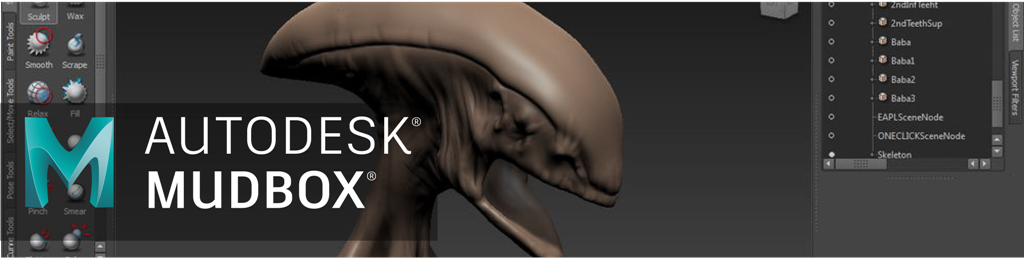 Sculpt and paint highly detailed 3D geometry and textures.
 Create 3D models from imported photographs and laser scans.
 Create custom and ready-to-animate 3D characters.
 Use cloud rendering to create photorealistic images in less time.
What you can do with the collectionTop animation, VFX, and games studios use the Media & Entertainment Collection to create many of today’s hottest games, TV shows, and blockbusters. | Navisworks: 3D model review, coordination, and clash detectionConnect design and construction teams and streamline clash detection and coordination in BIM.What is Navisworks?Use Navisworks® review and coordination software to improve BIM (Building Information Modeling) project delivery.
  Control schedules and costs using 4D and 5D simulationAnimate and interact with model objects for simulation, create schedules directly from project models, and import schedules and cost items from external project management applications.Easily capture material quantities from 2D or 3D designsMeasure lines, areas, and counts from 2D sheets or 3D models, create synchronized project views from Revit and AutoCAD files, and export takeoff data to Excel for analysis.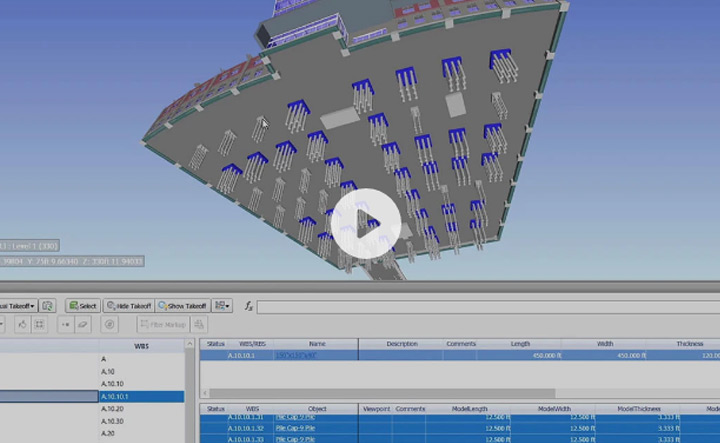  Run seamless projects with Autodesk project delivery toolsConnect field and studio teams with compatible BIM tools. Detect, manage, and resolve constructability challenges with Navisworks, Revit, and the Autodesk Construction Cloud. Navisworks, Revit, and more are available together in the Architecture, Engineering & Construction Collection. | AutoCAD: 2D and 3D CAD software trusted by millions to draft, engineer, and automate designs anywhere, anytimeWhat is AutoCAD?What is AutoCAD? Power your teams’ creativity with automation, collaboration, and machine-learning features of AutoCAD® software. Architects, engineers, and construction professionals use AutoCAD to:
Unlock more efficient workflowsThe newest updates in AutoCAD let you collaborate with teammates, gather drawing data more quickly, and export designs to other Autodesk products.  Work anywhere with the web and mobile appsEnjoy a connected design experience with AutoCAD across devices. Create, view, edit, and annotate drawings with the AutoCAD mobile app or on any computer using the AutoCAD web app.Customize your workspace and extend AutoCADComplete your work more quickly. Gain access to thousands of parts and additional features with industry-specific toolsets, APIs to automate common processes, and 1,000+ third-party apps. | Revit LT: 3D modeling tools for design changemakersEconomical BIM software for inspired architectureWhat is Revit LT?A BIM (Building Information Modeling) solution for the self-starter, Revit LT™ is a cost-effective project workhorse for the small architecture studio or solo practitioner.
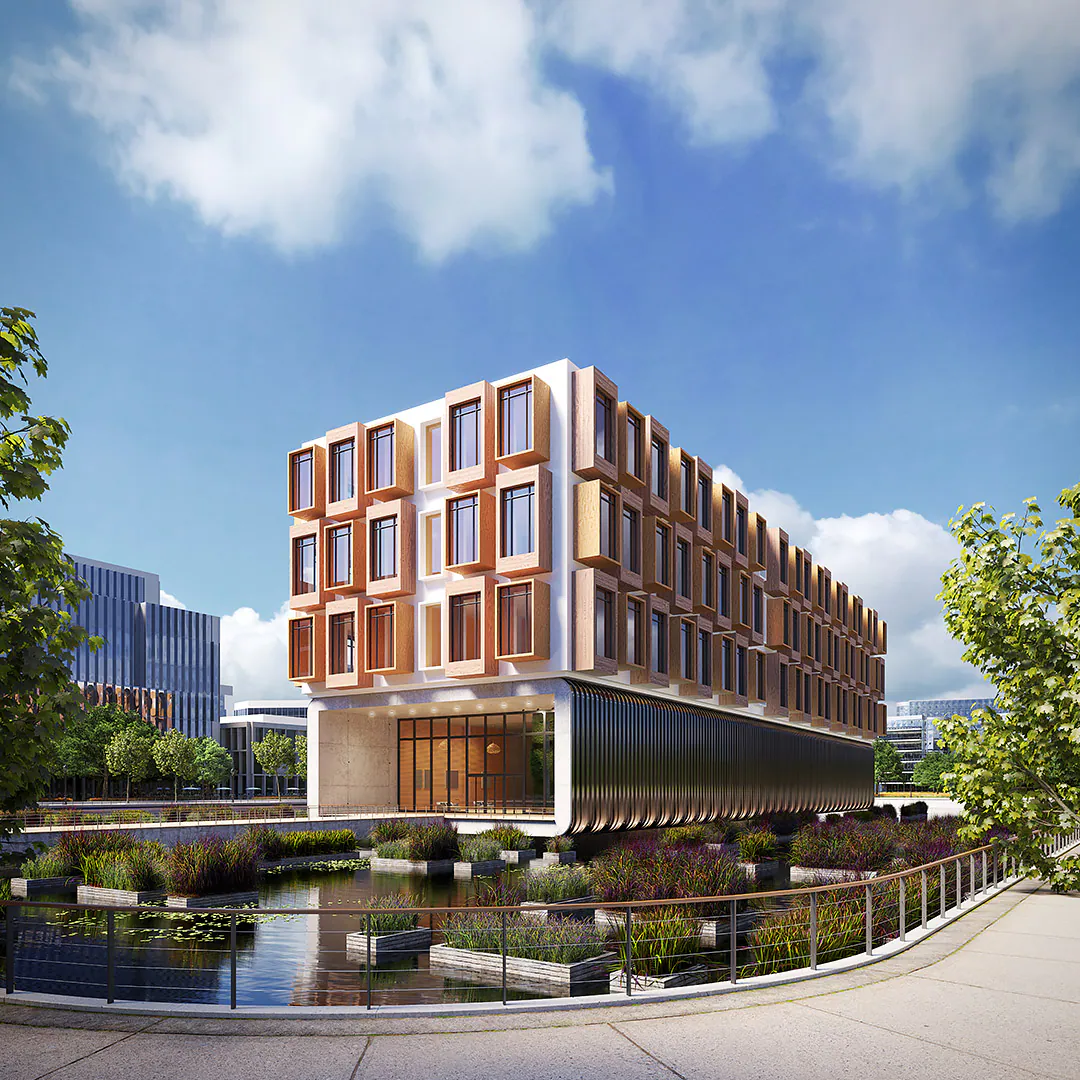 Quickly define and document design intentWith tools for sketching, model family creation, scheduling, annotating, and document production, Revit LT drives efficient BIM workflows for architectural design.Grow your design business around BIMQualify and win projects with a BIM approach. Impress clients in design review with 3D visualization and data-rich documentation, and effectively protect timelines and fees with Revit LT’s productivity and coordination tools. 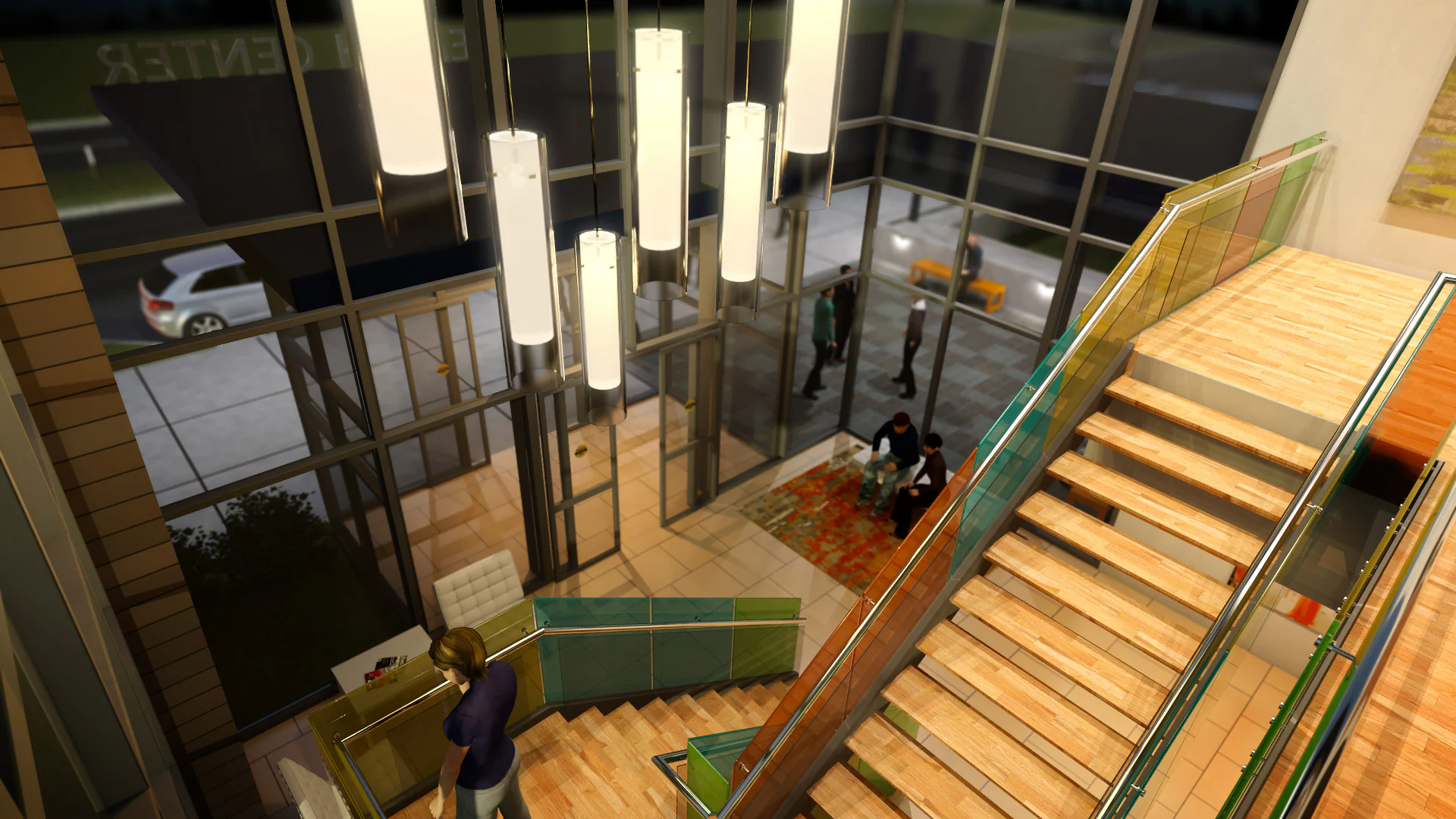 Work with the best of BIM and CAD softwareManage and integrate CAD and BIM data into clear, coordinated, and complete design deliverables. Purchase Revit LT and AutoCAD LT together in the AutoCAD Revit LT Suite and save big compared to standalone subscriptions. | Overview What is the Architecture, Engineering & Construction Collection?The AEC Collection provides designers, engineers, and contractors a set of BIM and CAD tools supported by a cloud-based common data environment that facilitates project delivery from early-stage design through to construction.
Here’s what’s included. Software for 2D and 3D CAD that includes original AutoCAD, specialized toolsets, and apps
 Plan, design, construct, and manage buildings with multidisciplinary BIM software.
 Civil engineering design and construction documentation software.
 Civil infrastructure conceptual design and analysis software.
 Clash detection and advanced coordination, 5D analysis, and simulation software.
 3D modeling, animation, and rendering software for design visualization.
 Reality capture and 3D scanning software and services.
 3D modeling software for steel detailing.
 3D modeling software for steel detailing.
 Vehicle swept path analysis software.
 Structural bridge analysis software.
 MEP detailing and documentation software.
 Intuitive 3D sketching app with native Revit interoperability.
 Advanced BIM-integrated structural analysis and code compliance verification tool
 Manage project information in a cloud-based, common data environment.
 Fast, high-resolution renderings in the cloud.
 CAD-aware cloud storage for individuals and small teams.
What you can do with the collectionL&T CONSTRUCTION–INDIA Saving time and money with BIM “By taking advantage of BIM and the AEC Collection, we can provide the best design and engineering options to our clients and communities.” —M. Balasubramani, General Manager and Head of WSD-EDRC, Water & Effluent Treatment, IC L&T Construction–India.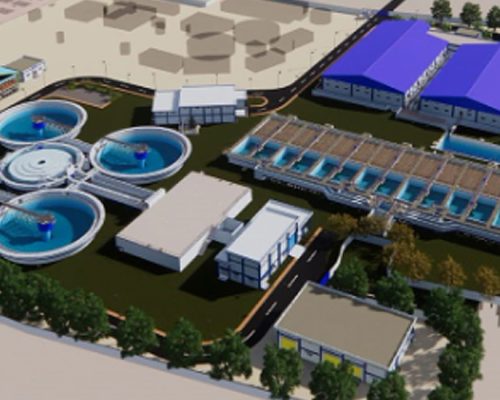 | ||||||||||||
| Weight | N/A | N/A | N/A | N/A | N/A | N/A | ||||||||||||
| Dimensions | N/A | N/A | N/A | N/A | N/A | N/A | ||||||||||||
| Additional information |
|
|
|
|
|
|
Related Products

AutoCAD
Price range: RM6,250.00 through RM18,750.00 
Navisworks Manage
Price range: RM8,050.00 through RM24,150.00

AutoCAD LT
Price range: RM1,690.00 through RM5,070.00