3ds Max
Price range: RM5,750.00 through RM17,250.00
Create massive worlds and high-quality designs.
- Includes remote installation and support from local Autodesk Gold Partner and Autodesk
- Order processing time: 1-3 working days
- Delivery method: Contract summary will be provided via email address provided in the order.
- Contact us for discount
3ds Max: Create massive worlds and high-quality designs
Model and render in stunning 3D.
What is 3ds Max?
3ds Max® professional 3D modeling, rendering, and animation software enables you to create expansive worlds and premium designs.
-
Breathe life into environments and landscapes with robust modeling tools.
-
Create finely detailed designs and props with intuitive texturing and shading tools.
-
Iterate and produce professional-grade renders with full artistic control.

Create realistic 3D designs with powerful modeling tools
Whether you’re building expansive worlds for games or visualizing intricate architectural designs, 3ds Max has the modeling toolset you need to bring your 3D assets to life.
Produce high-quality renders
From light mixing to color correction, the built-in Arnold renderer provides a rich experience with the ability to handle your most complex characters, scenes, and effects.

| TERM | 1-year, 3-years |
|---|
Quick Comparison
| 3ds Max remove | Forma Design Collaboration remove | Revit LT remove | Maya remove | Architecture, Engineering & Construction Collection remove | Revit remove | |||||||||||||
|---|---|---|---|---|---|---|---|---|---|---|---|---|---|---|---|---|---|---|
| Name | 3ds Max remove | Forma Design Collaboration remove | Revit LT remove | Maya remove | Architecture, Engineering & Construction Collection remove | Revit remove | ||||||||||||
| Image |  |  | 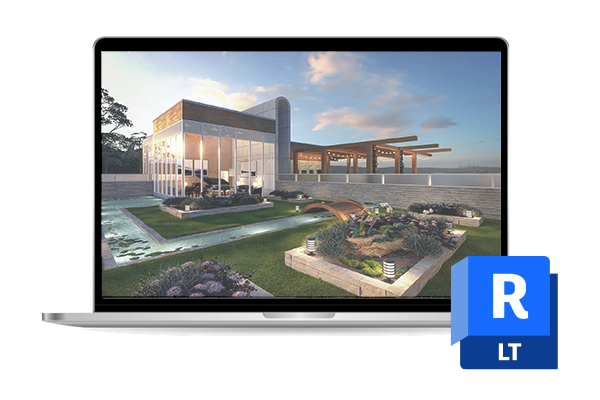 | 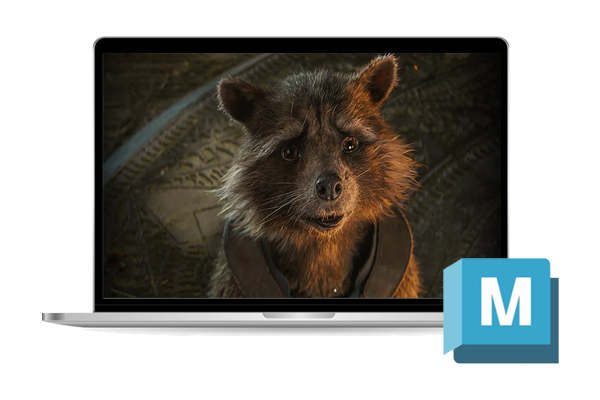 | 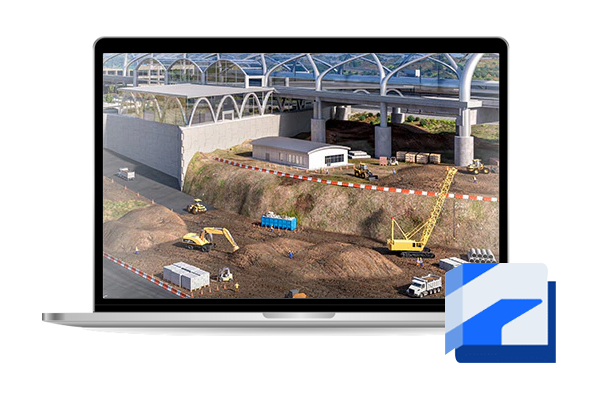 |  | ||||||||||||
| SKU | Autodesk 3ds Max | BIM Collaborate Pro | Autodesk Revit-LT | Maya | Autodesk AEC Collection | Autodesk Revit | ||||||||||||
| Rating | ||||||||||||||||||
| Price | Price range: RM5,750.00 through RM17,250.00 | Price range: RM2,800.00 through RM8,400.00 | Price range: RM2,100.00 through RM6,300.00 | Price range: RM5,750.00 through RM17,250.00 | Price range: RM10,300.00 through RM31,000.00 | Price range: RM8,200.00 through RM24,600.00 | ||||||||||||
| Stock | ||||||||||||||||||
| Availability | ||||||||||||||||||
| Add to cart |
Select options
This product has multiple variants. The options may be chosen on the product page
|
Select options
This product has multiple variants. The options may be chosen on the product page
|
Select options
This product has multiple variants. The options may be chosen on the product page
|
Select options
This product has multiple variants. The options may be chosen on the product page
|
Select options
This product has multiple variants. The options may be chosen on the product page
|
Select options
This product has multiple variants. The options may be chosen on the product page
| ||||||||||||
| Description | Create massive worlds and high-quality designs.
| 3D modeling tools for design changemakers.
| 3D animation and visual effects software.
| Set of BIM and CAD tools inclusive of a cloud-based common data environment that support projects from design phase to construction.
| BIM software to design and make anything.
| |||||||||||||
| Content | 3ds Max: Create massive worlds and high-quality designsModel and render in stunning 3D.What is 3ds Max?3ds Max® professional 3D modeling, rendering, and animation software enables you to create expansive worlds and premium designs.
Create realistic 3D designs with powerful modeling toolsWhether you’re building expansive worlds for games or visualizing intricate architectural designs, 3ds Max has the modeling toolset you need to bring your 3D assets to life.Produce high-quality rendersFrom light mixing to color correction, the built-in Arnold renderer provides a rich experience with the ability to handle your most complex characters, scenes, and effects. | Forma Design Collaboration:Your teams, workflows, and insights all in one placeWhat is Forma Design Collaboration?Forma Design Collaboration is a cloud-based design collaboration software that enables teams to:
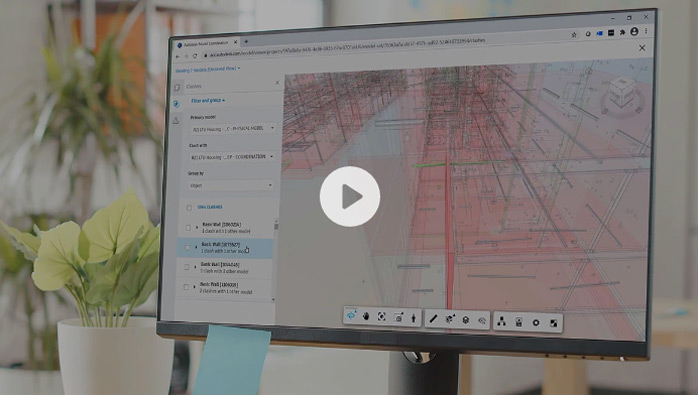 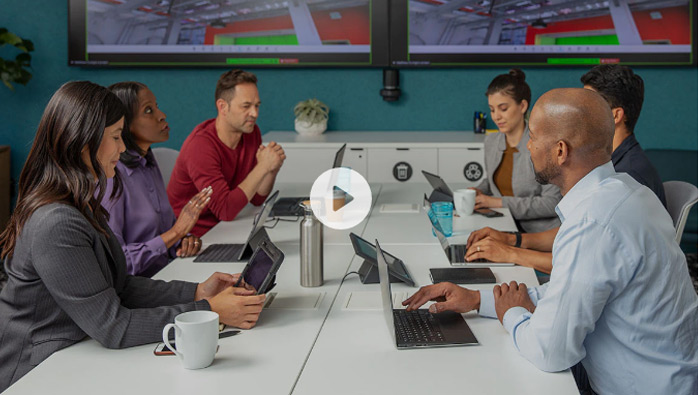 Centralize Civil 3D files in one locationCollaborate anytime, anywhere, with security. Centralize Civil 3D files in one location to keep teams on the same page and visualize design changes to see their impact.Simplify Revit co-authoring by securely connecting designersCollaborate in Revit with anyone, anywhere securely in the cloud and visualize an aggregated project model in your browser. Sync changes in real time, publish when ready.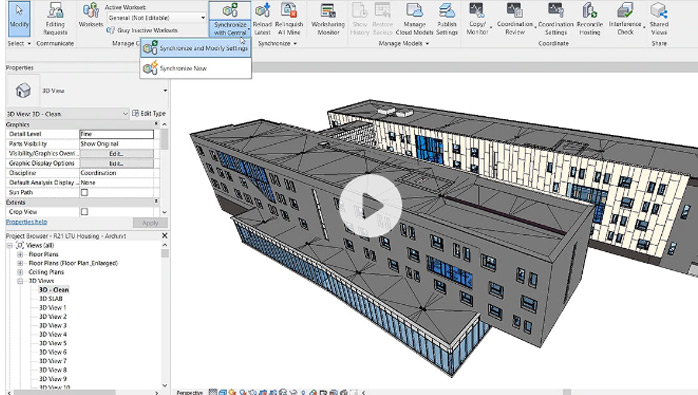 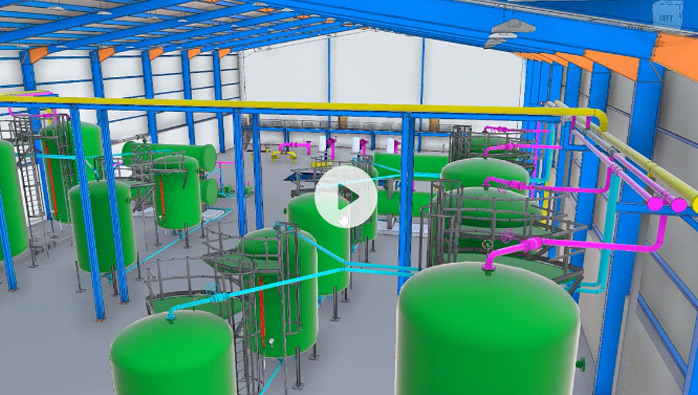 Enable efficient collaboration for AutoCAD Plant 3D usersEnsure teams have access to the right data, optimize review processes, gain insight into project progress, and access model coordination and clash detection tools. | Revit LT: 3D modeling tools for design changemakersEconomical BIM software for inspired architectureWhat is Revit LT?A BIM (Building Information Modeling) solution for the self-starter, Revit LT™ is a cost-effective project workhorse for the small architecture studio or solo practitioner.
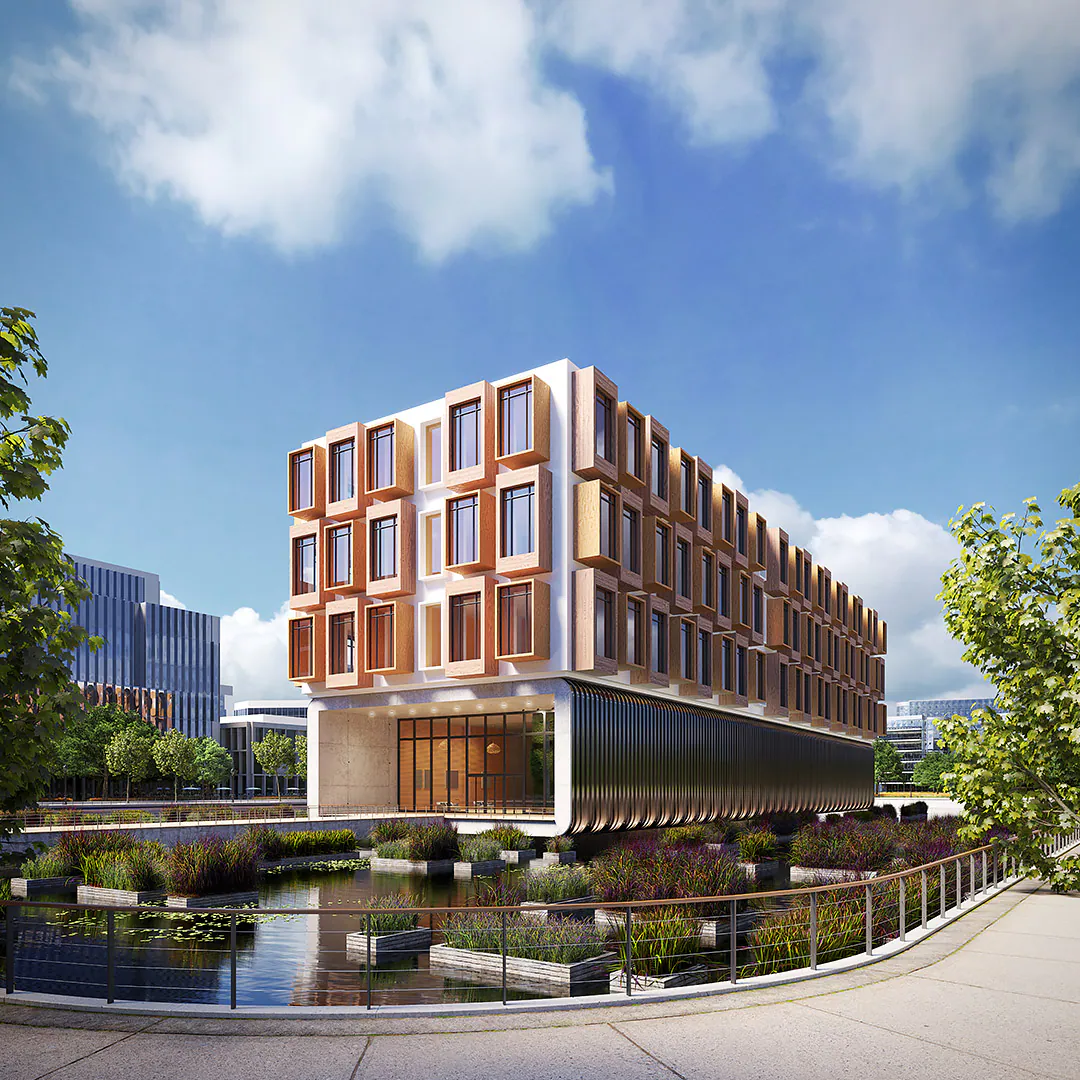 Quickly define and document design intentWith tools for sketching, model family creation, scheduling, annotating, and document production, Revit LT drives efficient BIM workflows for architectural design.Grow your design business around BIMQualify and win projects with a BIM approach. Impress clients in design review with 3D visualization and data-rich documentation, and effectively protect timelines and fees with Revit LT’s productivity and coordination tools. 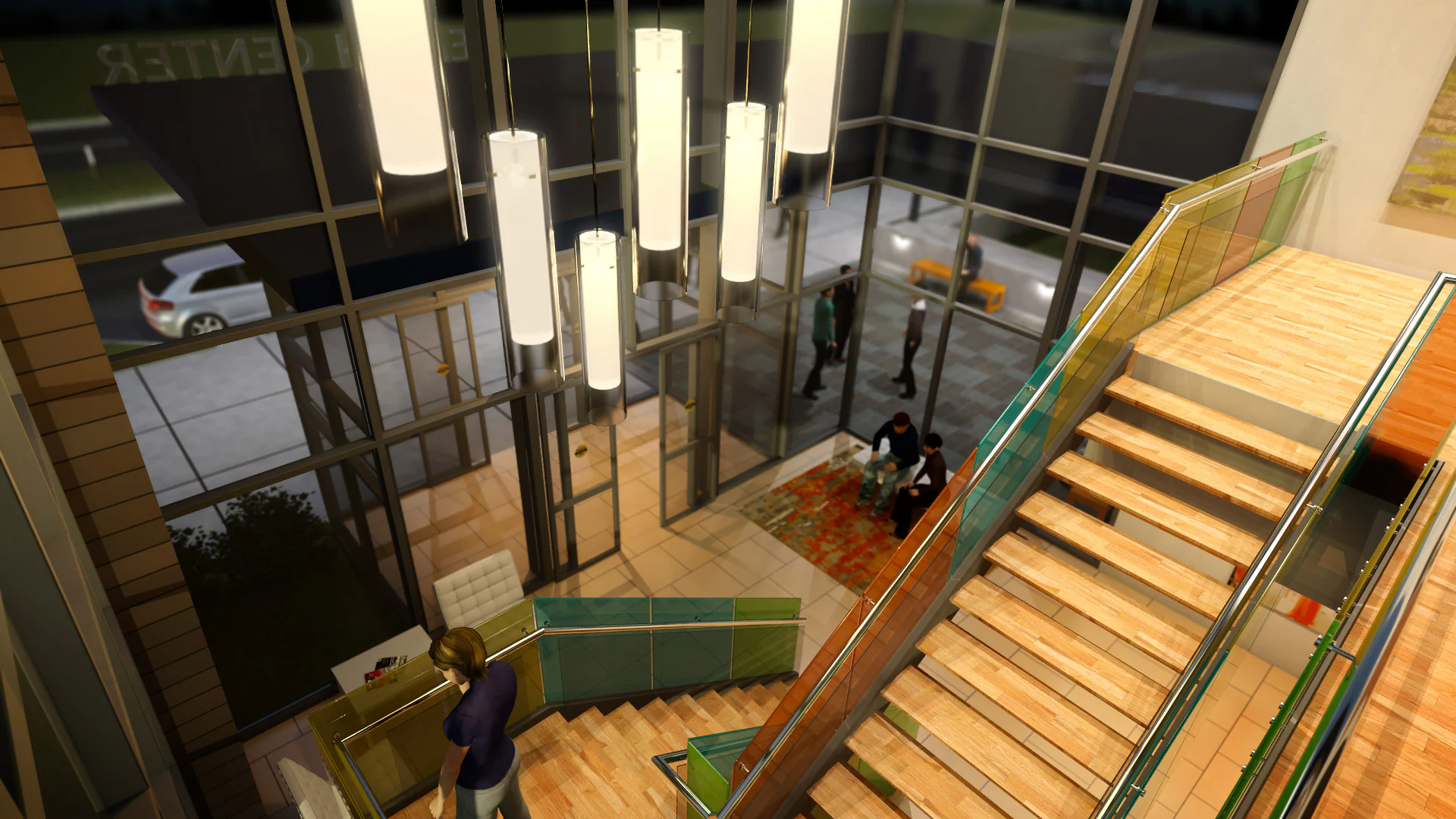 Work with the best of BIM and CAD softwareManage and integrate CAD and BIM data into clear, coordinated, and complete design deliverables. Purchase Revit LT and AutoCAD LT together in the AutoCAD Revit LT Suite and save big compared to standalone subscriptions. | Maya: Create expansive worlds, complex characters, and dazzling effects3D animation and visual effects softwareWhat is Maya?Maya is professional 3D software for creating realistic characters and blockbuster-worthy effects.
 Breathe life into 3D models with powerful animation toolsWhether you’re animating lifelike digi doubles or lovable cartoon characters, Maya has the animation toolset to bring your 3D assets to life. Image courtesy of Metro-Goldwyn-Mayer Pictures IncCreate detailed simulations with Bifrost for MayaFrom blazing explosions to complex snowstorms, Bifrost makes it possible to create physically accurate simulations in a single visual programming environment. | Overview What is the Architecture, Engineering & Construction Collection?The AEC Collection provides designers, engineers, and contractors a set of BIM and CAD tools supported by a cloud-based common data environment that facilitates project delivery from early-stage design through to construction.
Here’s what’s included. Software for 2D and 3D CAD that includes original AutoCAD, specialized toolsets, and apps
 Plan, design, construct, and manage buildings with multidisciplinary BIM software.
 Civil engineering design and construction documentation software.
 Civil infrastructure conceptual design and analysis software.
 Clash detection and advanced coordination, 5D analysis, and simulation software.
 3D modeling, animation, and rendering software for design visualization.
 Reality capture and 3D scanning software and services.
 3D modeling software for steel detailing.
 3D modeling software for steel detailing.
 Vehicle swept path analysis software.
 Structural bridge analysis software.
 MEP detailing and documentation software.
 Intuitive 3D sketching app with native Revit interoperability.
 Advanced BIM-integrated structural analysis and code compliance verification tool
 Manage project information in a cloud-based, common data environment.
 Fast, high-resolution renderings in the cloud.
 CAD-aware cloud storage for individuals and small teams.
What you can do with the collectionL&T CONSTRUCTION–INDIA Saving time and money with BIM “By taking advantage of BIM and the AEC Collection, we can provide the best design and engineering options to our clients and communities.” —M. Balasubramani, General Manager and Head of WSD-EDRC, Water & Effluent Treatment, IC L&T Construction–India.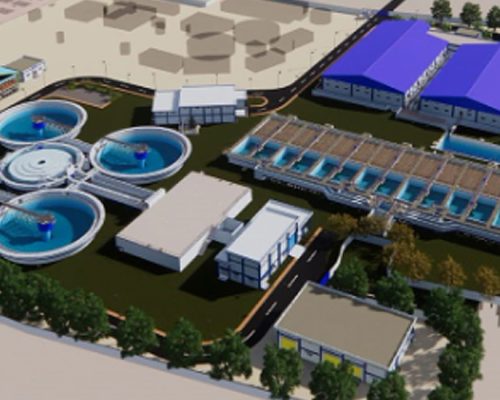 | Revit: BIM software for designers, builders, and doersModel in 3D, streamline documentation, use specialized tools in a unified BIM environment.If you can imagine it, you can design it in Autodesk Revit.Autodesk® Revit® allows architects, engineers, and construction professionals to:
Create and develop your design intentWith tools for sketching, scheduling, sharing, annotating, and visualizing, Revit helps architects, engineers, and contractors collaborate more effectively.Keep your teams on the same pageAutodesk supports the way AEC project teams work, in the office or on the go. Revit cloud worksharing and BIM Collaborate Pro support collaboration and a common data environment.  Deliver better buildings for everyoneWith integrated analysis tools and the ability to unite multiple datasets and file types, architects and engineers use Autodesk Revit to design with confidence. | ||||||||||||
| Weight | N/A | N/A | N/A | N/A | N/A | N/A | ||||||||||||
| Dimensions | N/A | N/A | N/A | N/A | N/A | N/A | ||||||||||||
| Additional information |
|
|
|
|
|
|
Related Products


Media & Entertainment Collection
Price range: RM8,200.00 through RM24,600.00 
Revit LT
Price range: RM2,100.00 through RM6,300.00 
Architecture, Engineering & Construction Collection
Price range: RM10,300.00 through RM31,000.00